
Material
Brandon Stecklein
@bastecklein@accounts.ape-apps.com
Last updated
The material operation will apply customizations for the material used on an already created geometry. Most parameters are optional, but you will generally need to use the material operator in order to assign colors to merged geometries.
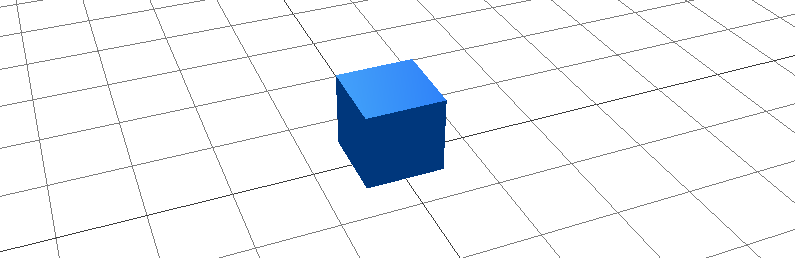
$cube = box(1, 1, 1, 0, 0, standard) > position(0, 0.5, 0);
$cube > material(#0D47A1, 1, 0.9, 0.5, 0, 0, #0D47A1, 0.7, front);
Parameters
color- Hex color code (e.g.,#ff0000)shininess(optional) - Shininess for phong materials (0-100)metalness(optional) - Metalness for standard materials (0-1)roughness(optional) - Roughness for standard materials (0-1)lightMap(optional) - Light map texture referencebumpMap(optional) - Bump map texture referenceemissive(optional) - Emissive color (glow color)emissiveIntensity(optional) - Emissive intensity (brightness multiplier, default 1)sideMode(optional) - Face culling mode:front(default),double, orback
Certain parameters will only function with certain material combinations, see the materials guide for more information.
First published