
A New Day for My Colony 2
Today I am happy to announce that My Colony 2 is back from the ashes! I am officially sunsetting MC2 Classic and bringing the codebase back up to full My Colony 2 status, and with today's v0.55.0 release, we have a lot of new changes and updates, as well as a fresh direction for the game. If you haven't played the MC2 Classic releases over the last year, then today's update is particularly meaningful, so let's take a look at what has changed!
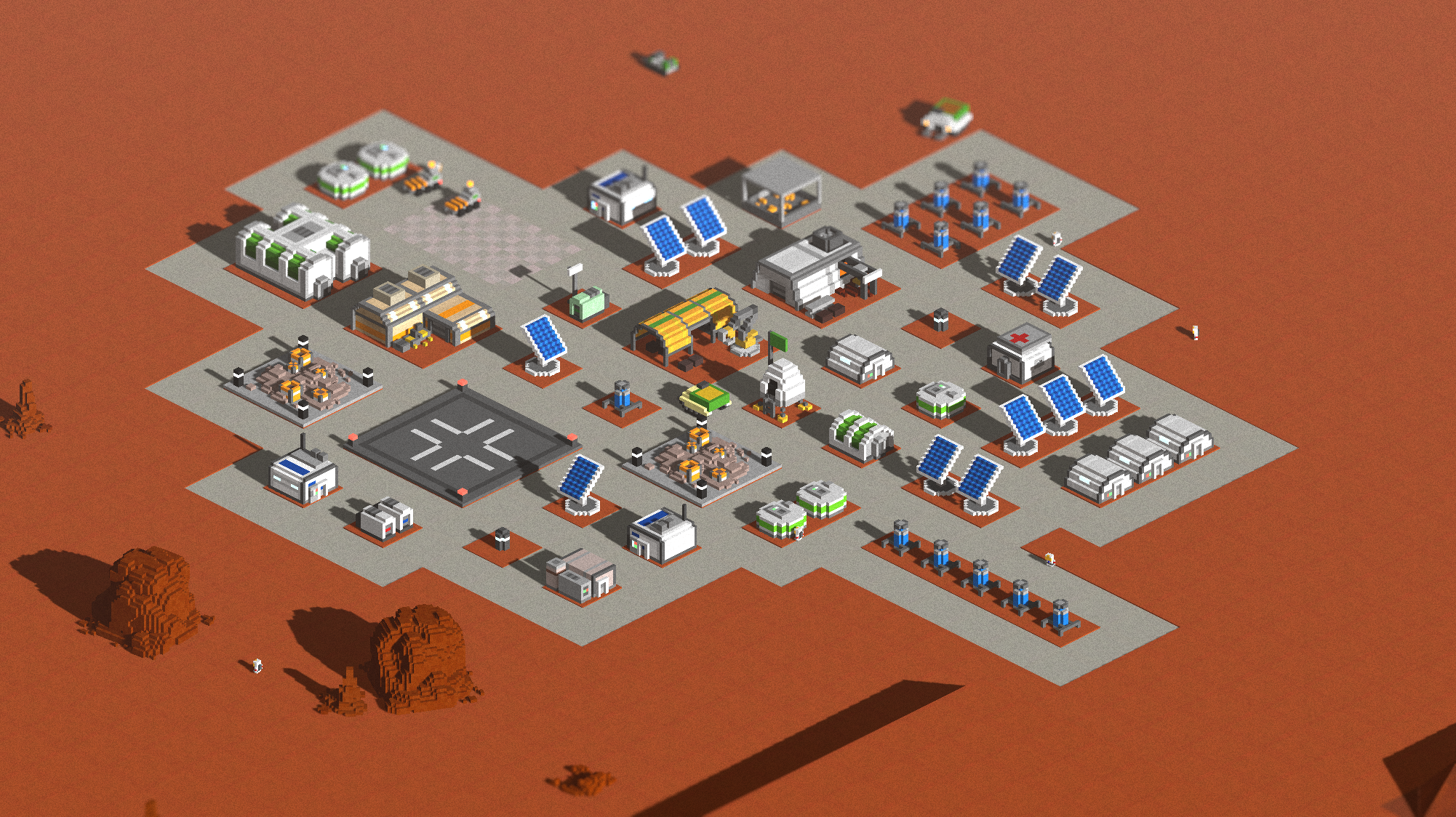
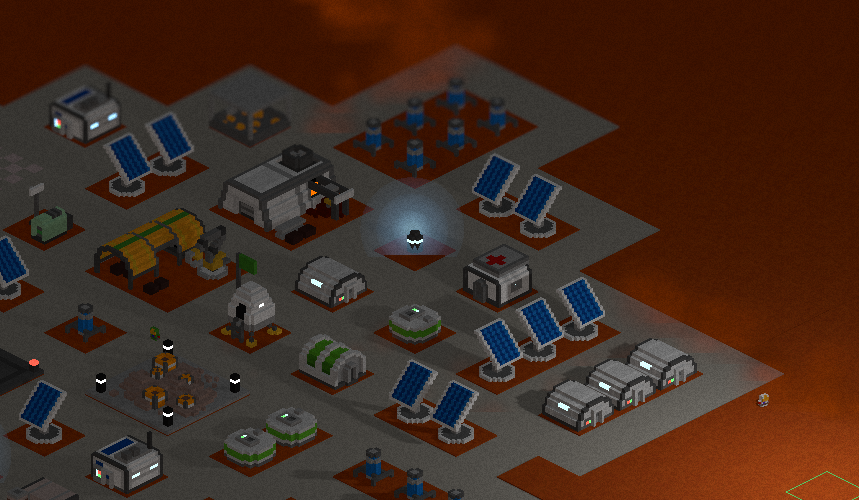
The largest change that players will notice when they first load the game is the migration of the main game camera from the standard perspective view to a new orthographic camera view. This new camera view makes My Colony 2 look a lot closer to the original My Colony, and I think give the game a stronger "My Colony" feel.
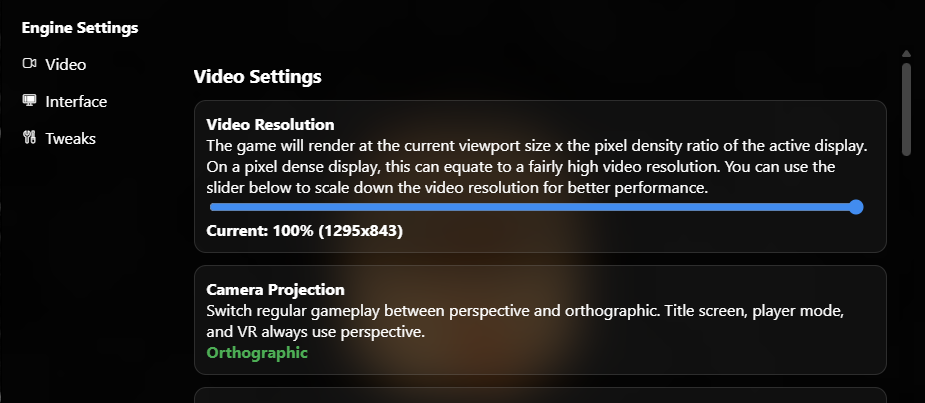
For players who do not like the new camera mode, worry not. You can easily toggle back and forth between the two view mode in the Engine Settings window.
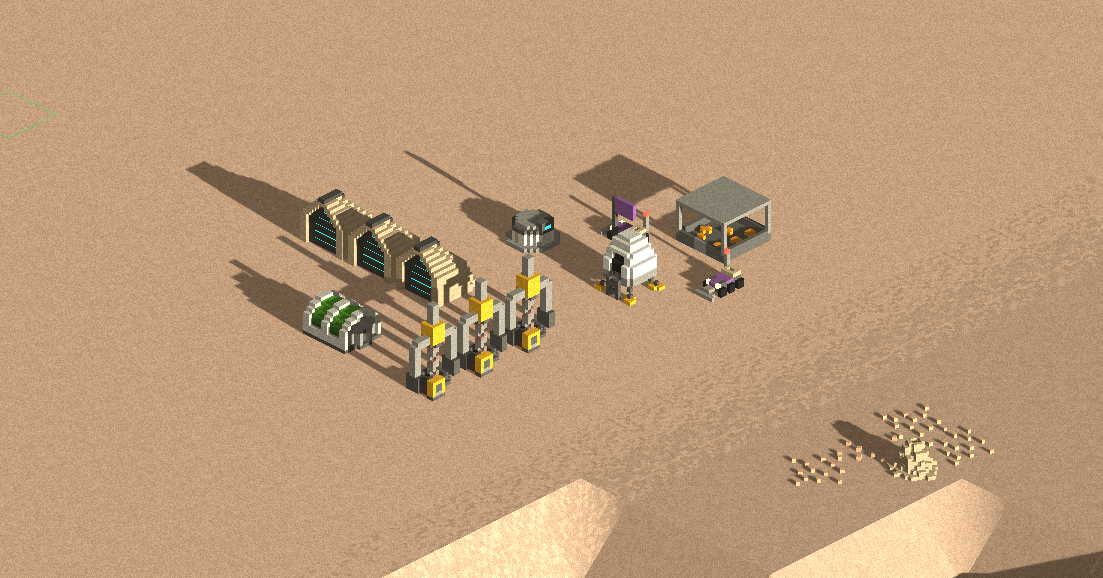
To give an idea of how the two modes differ, below is a scene from a colony in the new orthographic mode view:
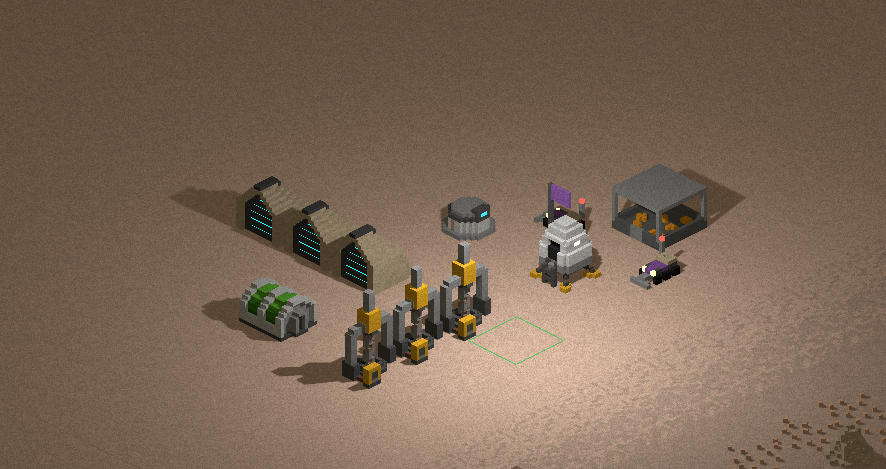
And then the exact same scene in the traditional perspective view mode:
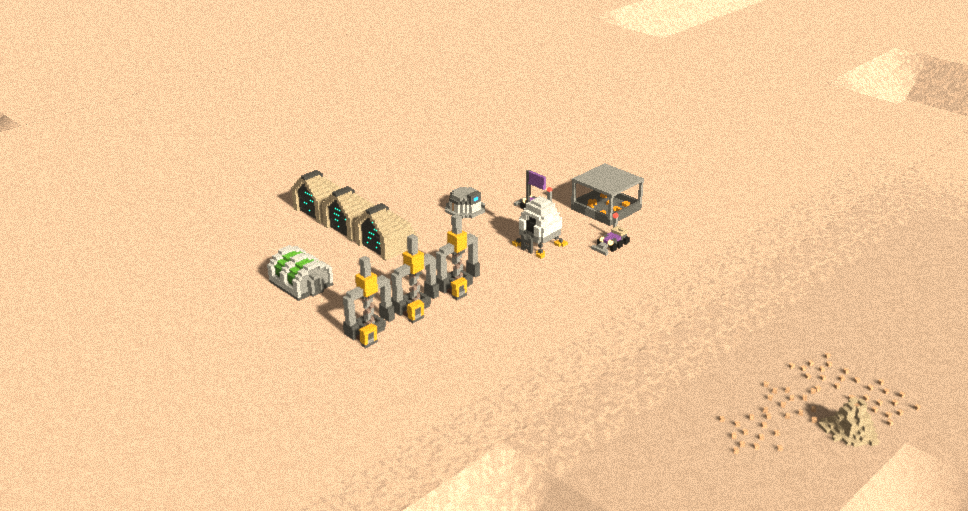
There are some key differences though. In the classic perspective view mode, you could have the camera in either pan or rotate mode, which you can quickly toggle between using the right mouse button. In the new orthographic mode however, there are really only four camera angles that look right. So now when you have the game in orthographic mode, mouse dragging is always in pan mode, and the camera mode button in the toolbar changes into rotate clockwise/counterclockwise buttons so you can quickly rotate between the four supported angles.
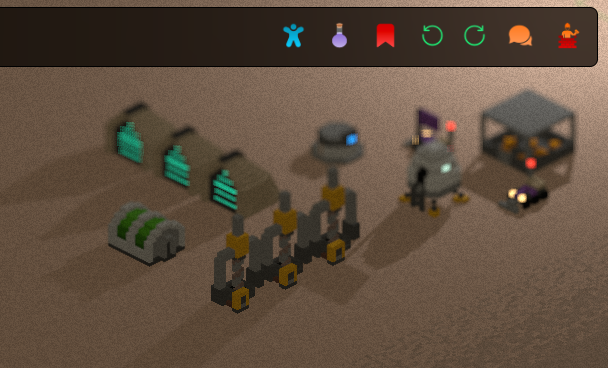
The new orthographic camera mode is now the default camera mode. As I mentioned before, I think it makes My Colony 2 look and feel a lot more like a My Colony game, but of course I made it easy to toggle between the two modes for those who prefer the feel of the classic. Obviously, VR and Player mode will always use the perspective camera.
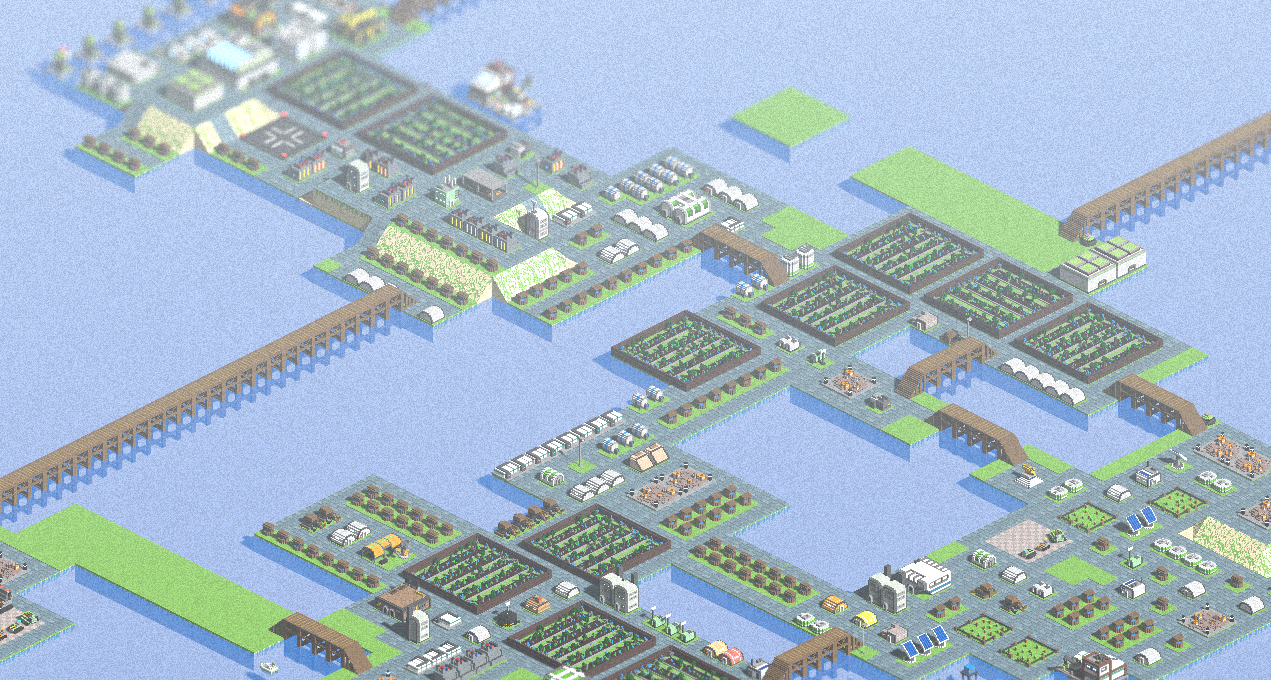
I have also added an optional subtle film grain effect filter that you can turn on in the engine settings to give a cool look to the game. It is disabled by default, but feel free to turn it on and see what you think. I prefer to have it on, personally. The pictures don't show it as well as it is live, but you can get a small idea in the screenshot below.
If you have not played the MC2 Classic builds over the last year, there have been considerable performance improvements to the Scroll3d rendering engine which are now present in My Colony 2. Particularly on large maps, you will find that scrolling and chunk loading have been greatly improved.
My Colony 2 now gets the nighttime cursor flashlight that was recently added to the My Colony 1 10th Anniversary release. This light follows your mouse cursor around at nighttime so that you can always see what is going on. On mobile devices, the light remains centered in the screen viewport.
I've removed the old, animated water shader and replaced it with a simple semi-transparent water later that has a slight light reflectivity to it. It's not necessarily as nice and I might try to bring in a refraction shader again in the future, but this one works and performs a lot better.
Game save file sizes have been reduced by a lot. In come cases by 90% or more. I used some similar file size reduction techniques that I employed in MC1 10th Anniversary and there is room in the future to reduce save sizes some more, which I may do. This is especially good for users who prefer cloud sync, as the massive file sizes could potentially cause sync and data corruption errors.
Also in this update, I have finally (after many years) fixed the odd rover turning behaviors. Now instead of dancing around and turning in strange directions, rovers should actually drive in a proper manner. Some people may miss the way rovers used to drive, and there was a charm to it, but I prefer to have it just work properly.
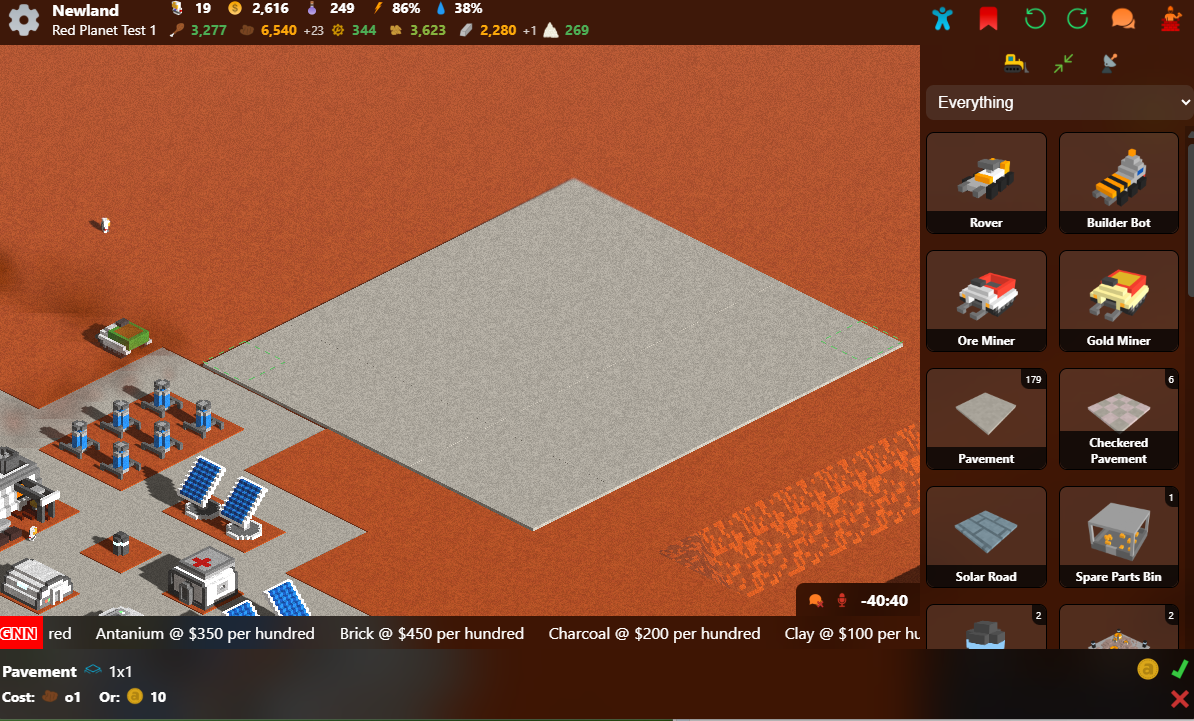
This release also brings a couple of new QoL features over from MC1 10th Anniversary, instant build pavements and pavement flood filling. As in MC1, pavement construction no longer requires a rover to be nearby, and it will just build instantly. Moreover, if you hold down the shift key while building pavements, you can do a flood fill construction to build out an entire rectangle pavement area at once.
For a while now the game has had an FPS readout in the top left corner that could not be disabled. Now there is an FPS Readout Engine Setting so that you can turn it on or off, and it defaults to being off.
Also here and there, you will notice that many of the UI Icons have been spruced up a bit. I will be upgrading more over the coming updates, as well as the resource icons which will use some of the improved icons from MC1 10th Anniversary.
When dynamic lighting is enabled, light posts and other light emitting buildings will now use sprite-based fake lights instead of real hardware driven point lights. The hardware lights absolutely kill performance if there are more than a few of them in a scene at once, and with the new cursor-based flashlight they are no longer really needed.
With all of those new additions, there are also a handful of subtractions in this release that you need to be aware of.
Firstly, for the time being I have removed the ability to play as the Alpha Draconians. If you already have an Alpha Draconian map you can still play it, and if you really want to play as them you can start a new game using MC2 Classic and port it into My Colony 2. Since I did not personally make the Alpha Draconian content, I want a chance to play through it myself first to see if it fits the balance of what I want in MC2, so it may ultimately make a comeback. Until then, I think for new players it is best to not have to choose a new civ when starting a game, to keep things easy and uniform.
Also, the light-mode theme has been removed, and the game is now always in a dark mode, similar to MC1. I just think the dark mode looks more like My Colony, and it's easier to only have to maintain one set of UI styles when I make changes.
I have also removed the in-game Mod Shop. It was not really being utilized, and the server it is hosted on (same server as Coloniae) is on its last legs anyway.
Speaking of Coloniae, the game is no longer reporting stats to the Coloniae endpoint. For what its worth, I am not sure those stats were even being used anyway, and Coloniae has not been updated in some time. Now that MC1 and MC2 are both no longer reporting data to Coloniae, I will probably be shutting down it's server before long.
Migrating from MC2 Classic
If you have been playing MC2 Classic, your game saves are fully compatible with the new My Colony 2. If you were saving to your filesystem, there is no migration necessary, just load them up and play. If you were using cloud sync or internal storage, you will need to export your saves out of MC2 Classic. From the MC2 Classic title screen, you can click on the little configuration button on the bottom right of your save game and either select Backup Save or Move to Filesystem. I actually suggest keeping all of your save games in your filesystem rather than using internal or cloud storage, as it makes it easier for you to back them up anyway you wish and you will have a far lower risk of data corruption.
The Future of My Colony 2
By now it should be clear that My Colony 2 is back and alive again. The near term will be focused on UI/QoL improvements that the game needs.
For mobile devices, I am working on improving UI responsiveness, as I want vertical/portrait mode to be standard instead of forcing the game into landscape orientation. I have already begun work on this, and it will probably be portrait by default for the next update (with landscape still supported as well). I just think mobile games work better in portrait mode, especially for playing on the go.
Similar to MC1, I plan on removing online trades from the Galactic Board of Trade and replacing it with a simple resource import/export system along with an auto buy/auto sell system. I think its nicer overall, removes the headache of trade abuse, you aren't just out of luck when there are no contracts, and you can actually profit off of all of the excess resources you are producing.
The game needs sound effects and music. I might reuse a lot of the effects from MC1, and I am not sure what I will do with music yet. I would prefer to use Midi because of the smaller file sizes on mobile, so we will see. If I get a good midi soundtrack, I am thinking I will add an engine setting option where users can supply their own custom sound font, and maybe even select their own folder from their system of .mid files to play their own music.
My Colony 2 is also going to need achievements, so you can also plan on that coming in the near future.
The Faith feature that is stubbed in needs to be either removed or implemented. I will probably implement it as most of the work is already done and it should not be overly difficult, but am open to feedback on this matter.
With just the updates above, I think MC2 is in a position to where it can have a Steam release. In terms of content, there is already a ton in the game. I think a goal of having the game on Steam by the end of the year is reasonable.
MC2 Is Back
I just want to thank everyone who has played and supported MC2 over the years. If you have suggestions and feedback, now is the time! Hop in the Discord server and let me know where you think we should take the game!
And if you're still reading this, what are you waiting for? Head on over and start playing My Colony 2 v0.55.0 today!